Home / Free Online Signature Generator
Free Online Signature Generator
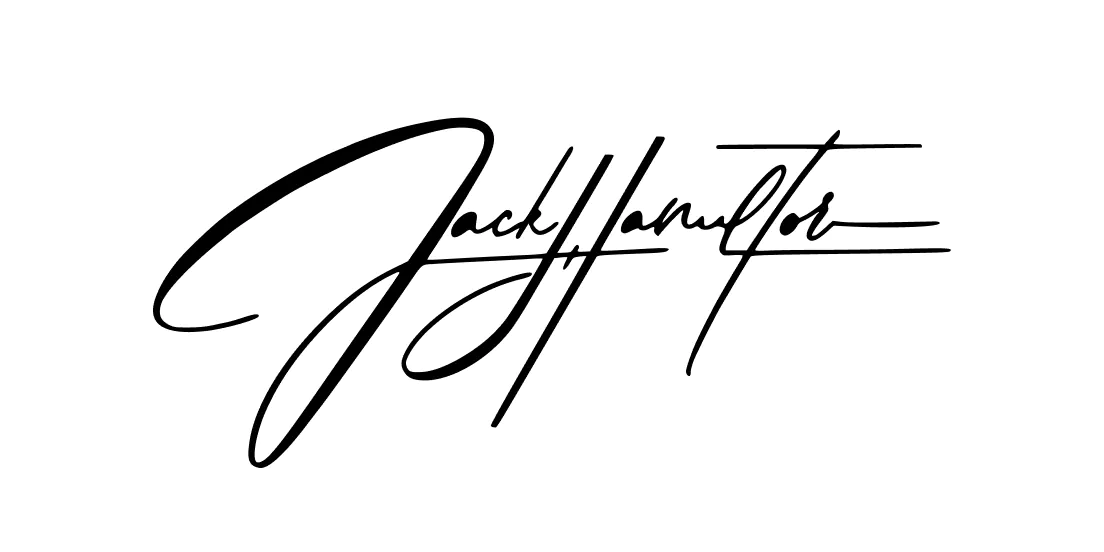
Create your personalized signature instantly by drawing in our signature maker interface using your mouse, touchpad, or touchscreen. Once finished, download your hand-crafted signature for immediate use on any document.
Free Tools Create Signatures.
We Create Personal Brands
Create Your Professional Digital Signature in 3 Simple Steps
Our signature generator provides a convenient, cost-free solution for creating professional electronic signatures in seconds. With intuitive controls and multiple customization options, you can design a signature that perfectly represents your personal style.
After designing your electronic signature, seamlessly integrate it into any digital document, eliminating the need to print, manually sign, and scan paperwork—saving you valuable time and resources.
Our advanced cursive signature tools offer various handwriting styles and customization features, ensuring your eSignature remains as unique as you are while maintaining a professional, authentic appearance.
Understanding Electronic Signatures
Electronic signatures function as digital equivalents of your handwritten signature. These digital marks carry the same legal weight and enforceability as traditional ink signatures, making them an efficient alternative for today’s paperless workflows.
You can generate electronic signatures through multiple approaches: utilizing our handwritten signature generator, uploading an image of your physical signature, signing with an electronic pad device, or creating a typed signature with stylized fonts.
Budget-Friendly
Electronic signatures significantly reduce expenses associated with traditional document processing. By eliminating physical materials like paper, ink, and printer maintenance, as well as storage costs for paper documents, organizations can realize substantial savings.
Time-Efficient
With electronic signatures, document signing becomes almost instantaneous. Rather than navigating the cumbersome process of printing documents, manually signing them, and scanning them for electronic delivery, you can apply your signature digitally and share documents immediately.
Secure Authentication
Modern electronic signature platforms implement blockchain technology to maintain a transparent audit trail throughout the document's lifecycle. This advanced security feature ensures signature authenticity and provides protection against unauthorized alterations.
User-Friendly
Implementing eSignatures couldn't be more straightforward. With intuitive interfaces, users can simply click designated signature fields to automatically populate documents with their personalized electronic signatures.
Looking to go beyond digital signatures?
- Need a Custom Design? — Create a signature designed entirely by hand, crafted to match your personal or business style.
- Add Watermark Protection — Turn your signature into a subtle watermark to safeguard your photos, artwork, or digital content.
- Create Photo Stamps — Add a unique signature stamp to your prints or albums for a professional finishing touch.
Free tools create signatures.
We create personal brands.
Your signature is the first thing people see. Our designers craft handwritten signatures, logos and watermarks that are uniquely yours — delivered in 3 days.
Custom Handwritten Signature
A unique calligraphy signature designed by hand, crafted to match your personal or professional style.

Signature Logo
Turn your signature into a full brand asset — perfect for business cards, social media, and professional documents.
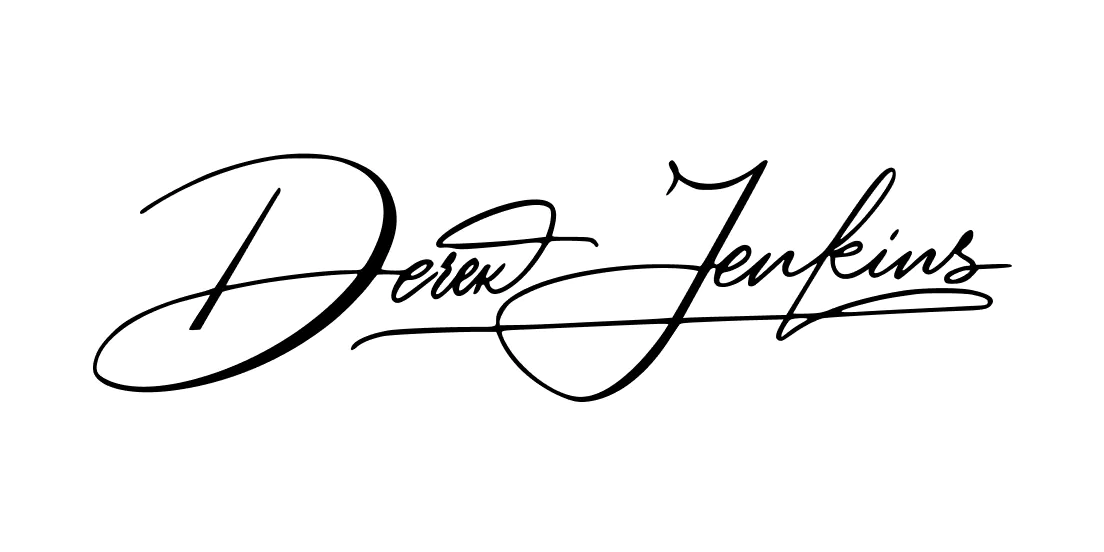
Custom Watermark
Protect your photos, artwork, and digital content with a signature watermark that's subtle yet unmistakably yours.

FAQ
Yes. Under the ESIGN Act and UETA, electronic signatures carry the same legal weight as handwritten ones across all 50 states. A signature created with our free generator is valid for most everyday documents — NDAs, freelance contracts, authorization forms, and more. For high-stakes documents like real estate transactions or wills, requirements may vary by state, so always check with your attorney.
Download your signature as a PNG with a transparent background, then open your PDF in Adobe Acrobat, Preview (Mac), or any free PDF editor. Use the "Insert Image" or "Stamp" tool to place your signature on the signature line. On iPhone and Mac, you can also use the built-in Markup tool — no third-party software needed.
You can download your signature as PNG, JPG, or PDF. For most use cases — Word, Google Docs, email, contracts — PNG with a transparent background works best. In Word: Insert → Pictures → select your file. In Google Docs: Insert → Image → Upload from computer. The transparent background makes your signature look natural on any document color.
No data is stored on our end. Everything you draw happens directly in your browser — nothing is uploaded to our servers. Your signature is generated locally and downloaded straight to your device. We don't collect, save, or share any signature images you create.
For signing documents, a generated signature works perfectly. But if you need something that represents your personal brand — for a logo, business card, email footer, or client-facing materials — a free generator won't cut it. A professionally designed handwritten signature is crafted to look intentional, balanced, and unique to you. See the difference in our [custom signature design service].
Three things: consistent stroke weight, a recognizable flow between letters, and a finishing element — a flourish, underline, or distinct tail. Most generated signatures lack these because they're built from preset templates. A calligrapher or designer adjusts each letter specifically to your name, which is why custom signatures look noticeably different from anything a tool can produce.
No account, no email, no registration. Open the tool, draw your signature, download it. That's it. If you want to save your signature for future edits or order a professional version based on your style, you can create a free account — but it's completely optional.